
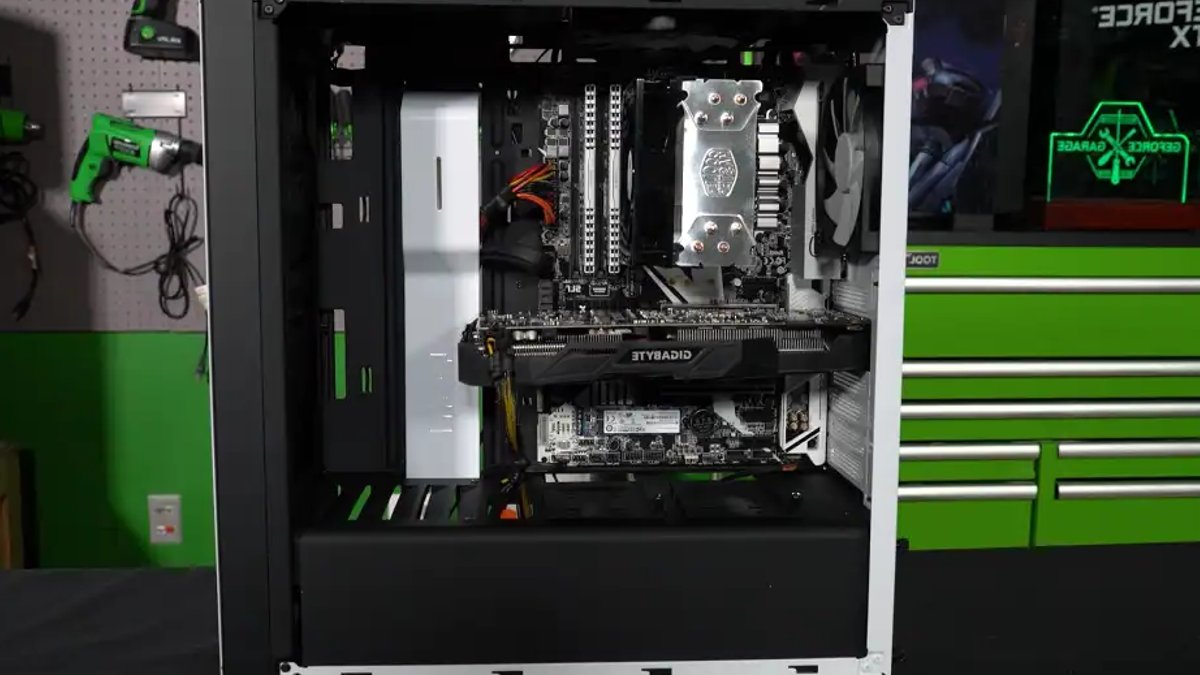
Graphics cards often fail due to neglect, with dust being the biggest enemy. It settles on the cooling fins, sabotaging the cooling performance. To diagnose the issue, use the free tool Hwinfo in ‘Sensors only’ mode.
Look for the ‘GPU Hotspot Temperature‘ reading under your graphics card, which represents the hottest spot directly on the silicon chip. Compare it with the normal ‘GPU Temperature,’ which is the average reading.
A difference of more than 20 degrees Celsius under full load is a clear warning sign, suggesting poor contact between the chip and the cooler. If the difference is as high as 30 degrees Celsius or more, the card will already be significantly throttling its clock speed to prevent damage.
Read Also: Wondershare Unveils Recoverit V15 for Creators
Maintenance and Cleaning
The first step in maintenance is cleaning. Shut down the PC, press the power button, and unplug the power cable. Open the case and blow out the cooling fins with compressed air, holding the fan blades in place with your finger or a piece of adhesive tape.
This prevents the fans from spinning up uncontrollably and sending electrical voltages back into the motherboard or destroying their own bearings. If cleaning is not enough, it is time to replace the thermal paste. When replacing the thermal paste, users have the option to choose between conventional thermal paste and phase-change material (PCM), such as the PTM7950 thermal pad, which is solid at room temperature but liquefies at temperatures of around 45 to 55 degrees Celsius, allowing it to perfectly fill microscopic irregularities when warm.
This phase change prevents the “pump-out” effect, whereby traditional thermal pastes are gradually squeezed out of the gap due to the thermal expansion of the chip. Applying PTM7950 requires care, including placing the pad in the fridge or freezer for around 10 to 60 minutes before use, and cleaning the graphics chip thoroughly with isopropyl alcohol (over 90 percent) and a lint-free cloth. The pad should be cut exactly to the size of the GPU chip, and for the surrounding memory modules (VRAM) and voltage regulators, thermal putty (thermal conductive putty) should be used, as it is highly compressible and adapts perfectly to any gap, guaranteeing maximum contact with the main processor.


